Tag Archives: Samsung Galaxy S3

How to Root & Gain Superuser Access on Your Samsung Galaxy S3 Using a Mac (The Easy Way)

To really customize your Samsung Galaxy S3, you’ll need to be rooted, because most of the coolest mods and hacks require root access. If you haven’t rooted yet, you’re just barely touching the surface of what your GS3 can do for you.

However, if you’ve never rooted before, it can be pretty intimidating. As far as instructions goes, there’s plenty available, like Danny’s guide on using ODIN for Windows or the easy CASUAL method that Faisal provided.

There’s only one problem. If you’re like me and mostly use a Mac, it’s not as easy, since most rooting guides use Windows. The CASUAL method does… more

…read more

Source: Wonder How To

How to Make Your Samsung Galaxy S3 Dynamically Adapt to Whatever Mood You're In

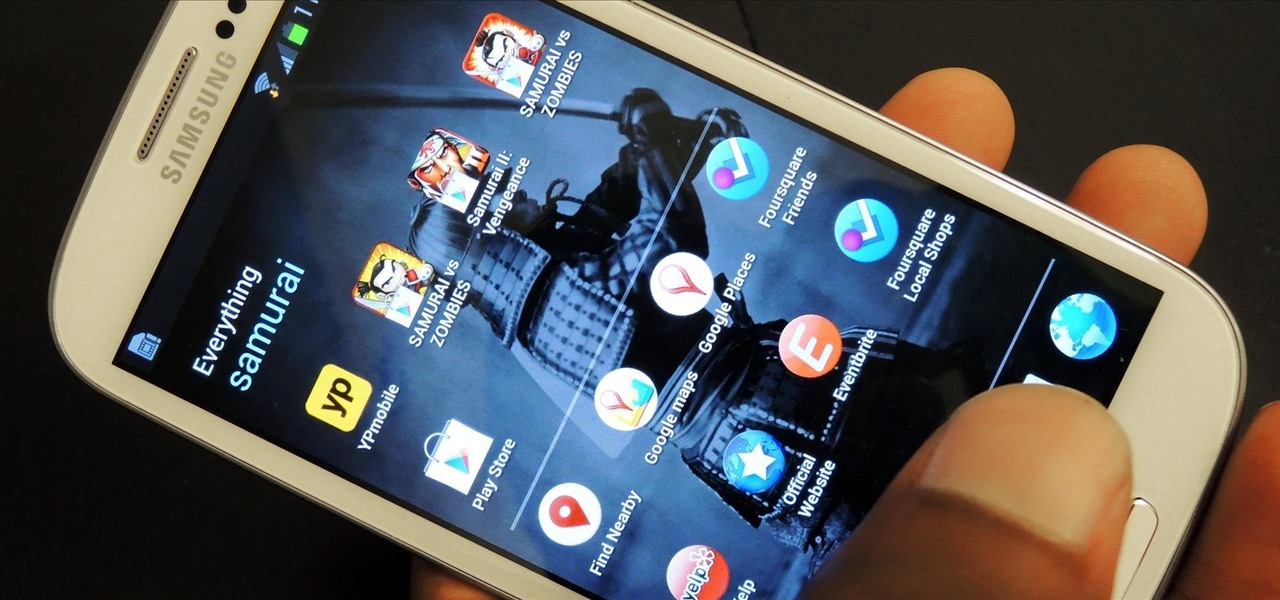
There’s no shortage of cool customizations for my Samsung Galaxy S3, except when it comes to the launcher. Sure, there a ton of Android launchers out there, like Nova Launcher or Apex Launcher, that allow you to customize app placement, app grouping, infinite scrolling, etc. There’s even Facebook Home for those who are Facbook addicts.

But, to be honest, none of them really appeal to my interests. Moving my apps and creating custom icons for them is great, but ultimately, the apps themselves will always remain the same. Why get a custom launcher if you can’t customize how you launch your apps… more

…read more

Source: Wonder How To

How to Play Pokémon FireRed & Other Game Boy Advance Games on Your Samsung Galaxy S3

The first film I saw without any parental supervision was Pokémon: The First Movie. At the time, there wasn’t a 5th grader around who didn’t know who Pikachu was or what Pokémon was all about. The franchise was one of the most popular video games of all time, right after Mario.

While handheld gaming devices like the Game Boy Advance have lost their appeal, the games themselves are as popular as ever. Thankfully, there is a way to conveniently play these classics right on the Samsung Galaxy S3, or pretty much any other Android phone, using an emulator.

Today, I’m going to cover playing your… more

…read more

Source: Wonder How To

How to Fully Customize Your Samsung Galaxy S3's Dictionary Using Old Tweets, Statuses, Emails, & Texts

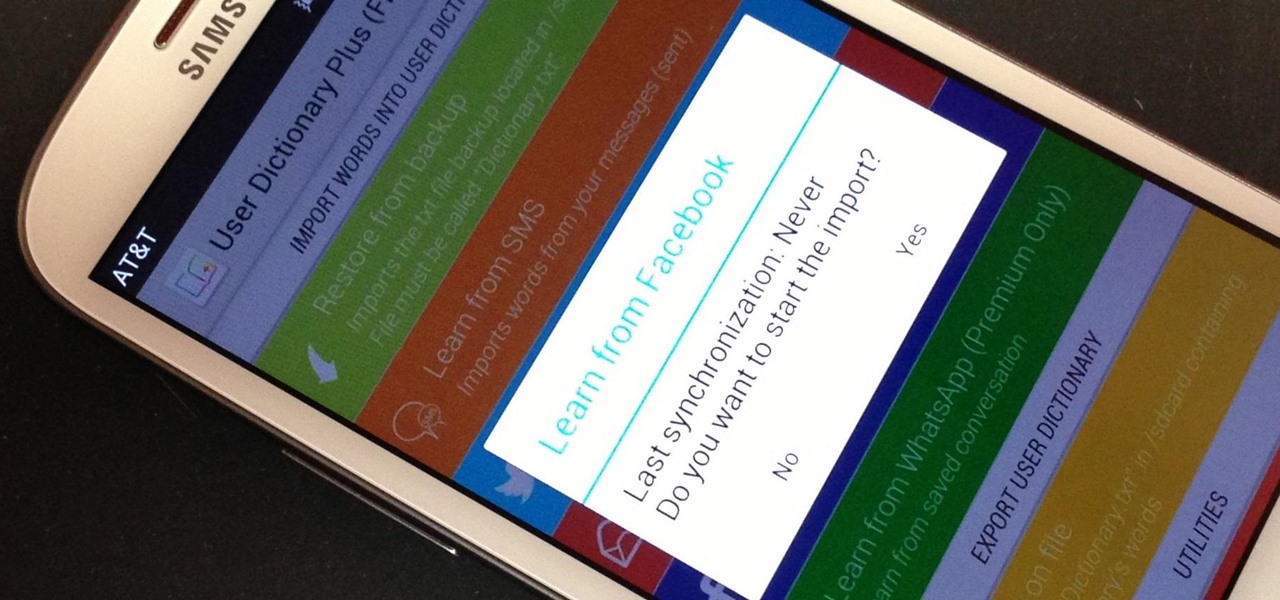
My standard text greeting to friends is something along the lines of “Wazzup biznitch?”—but apparently the auto-correct function on my Samsung Galaxy S3 has a problem with that. Time after time I have to retype it or just add all my made-up words to the word list—and I use a lot of made-up words, because that’s what bosses do. But texting isn’t the only way I communicate. I also use email, chat, and social media on a daily basis—and I don’t always use my phone. So, wouldn’t it be awesome if my GS3 could learn all the words I use through these other methods of communication as well?

Well… more

…read more

Source: Wonder How To

How to Download Any Video from Facebook onto Your Samsung Galaxy S3 for Offline Viewing

One thing that gets overlooked on Facebook is the amount of videos you can watch, and I’m not just talking about videos uploaded directly by Facebook users—I mean everything ever shared—YouTube, Vine, Instagram, Vimeo, etc.

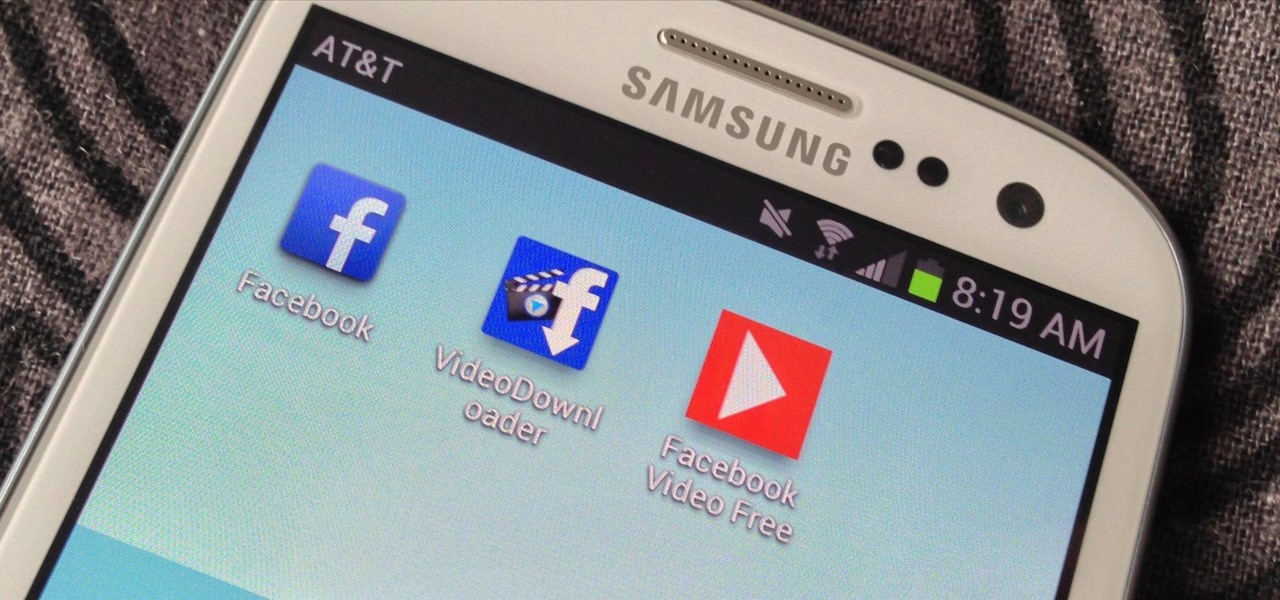
Sometimes one of those videos is just so good that you want to enjoy it forever, whether your Samsung Galaxy S3 is on or offline. Unfortunately, the Facebook app for Android does not allow you to download videos onto your device—even your own uploaded Facebook videos. Hell, they even make it hard to download your own photos!

Why Facebook Makes It Hard for Us…

If you’re… more

…read more

Source: Wonder How To

How to Patch the Latest Android "Master Key" Bugs on Your Samsung Galaxy S3

A few weeks ago, Bluebox Security uncovered a bug that could potentially effect 99% of Android devices. Bug 8219321, dubbed the Master Key bug, works by allowing applications with modified code to pass Android’s signature verification system, thereby bypassing security measures that normally wouldn’t allow these apps to be installed.

How does this effect you? Well, modified apps can cause a lot of havoc on your Samsung Galaxy S3, the biggest concern being the availability to send out all of the information stored on your device. That means your contacts, messages, emails, passwords, and more… more

…read more

Source: Wonder How To

How to Create 8-Bit Pixel Art & Animations on Your Samsung Galaxy S3

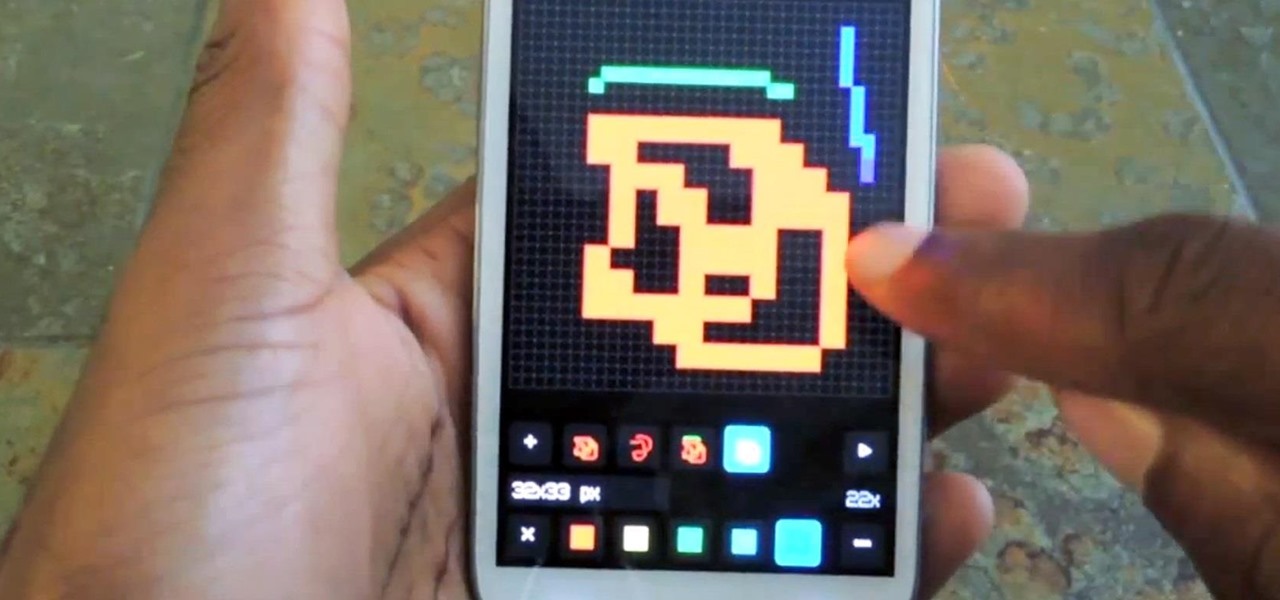
Give me a paintbrush and easel and you’ll be sorely disappointed, but give me a Samsung Galaxy S3 and a new app called Let’s 8-Bit Art and you might call me the next Picasso.

Well, maybe not quite, but whatever.
Video: .
How to Create 8-Bit Art & Animations

Let’s 8-Bit Art was created by Android developer CraZy Decigames and is pretty impressive for an app that’s still in beta. It’s targeting artists, animators, and game designers looking for a more mobile way to create 8-bit animations and artwork, but anyone can have fun with it (even me). Above: That garbage you see in the background = my… more

…read more

Source: Wonder How To

How to Customize the Home Button Shortcut on Your Samsung Galaxy S3 for Any App You Want

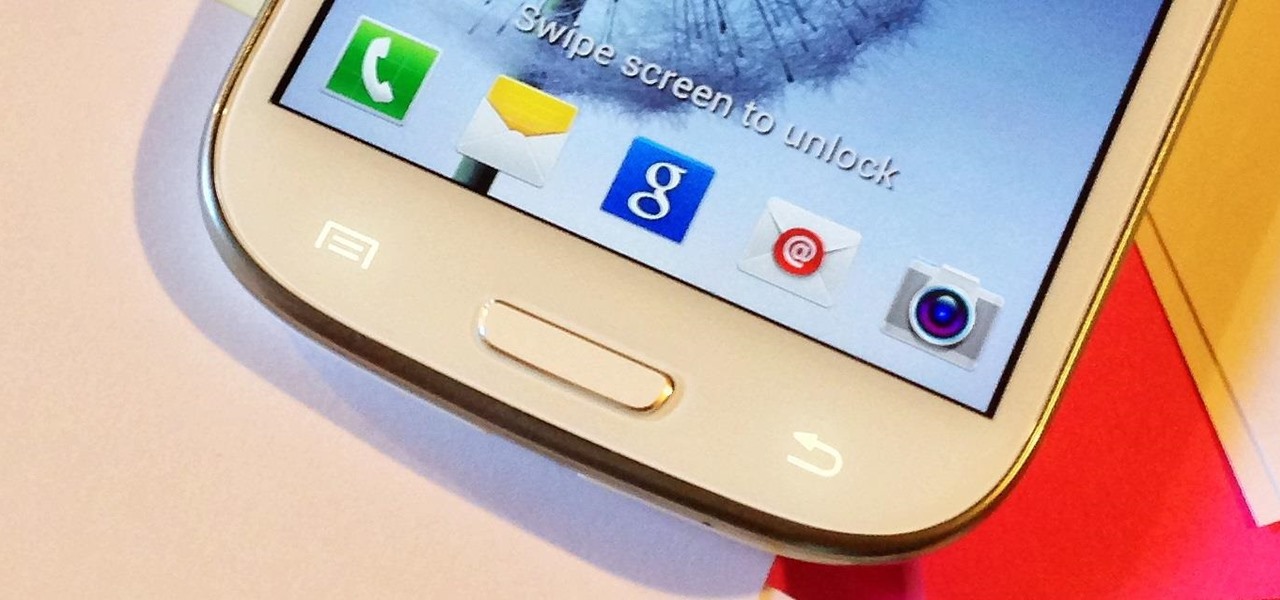
As mentioned before, the Home button is one of the most important keys on your Samsung Galaxy S3, and pretty much all Android devices for that matter. However, when it comes to customization, it’s rather tame.

If you’ve ever used Activator on a jailbroken iPhone, you know the potential that one button can have—and we can do something similar on our Android devices using an app called Home2 Shortcut by Android dev Hideki Kato

So instead of pressing the Home button on your GS3 to go to the Home screen or double-pressing to access S Voice (something I rarely use), we softModders can customize… more

…read more

Source: Wonder How To

How to Float Multiple Widgets Over Any Android App on Your Samsung Galaxy S3

Running multiple applications at the same time is one of the Samsung Galaxy S3’s and S4’s biggest advantages over Apple devices, and it’s a fact that Samsung certainly harps on constantly in their well-targeted commercials.

Plus, there’s the whole widgets thing. There are zero widgets available for the iPhone, but thousands of them in Google Play for Android users. If you have a ton of really useful widgets on your GS3 like I do, why not multitask like a pro and have access to them anytime, anywhere?

How to Float Widgets on Your GS3

Nelson over at the Galaxy Note 2 softModder recently… more

…read more

Source: Wonder How To

How to Get Photo Sphere Live Wallpapers on Your Samsung Galaxy S3 (Without Rooting)

For the first time ever, iPhones will be getting live panoramic wallpapers in iOS 7, but it’s something Android devices have always embraced.

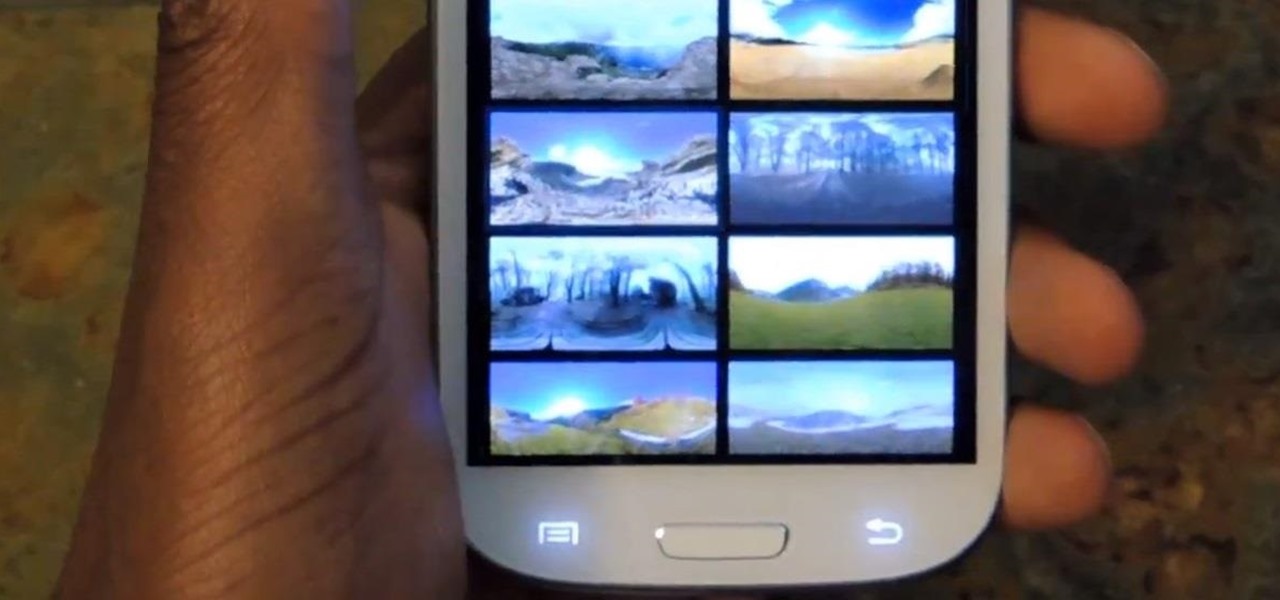
On your Samsung Galaxy S3, you can have anything as your Home or Lock screen background, from a static wallpaper, to a live interactive one, to the latest and greatest option (and my personal favorite)—Photo Spheres. While live wallpapers have cool effects like water dripping or lights flashing, Photo Spheres give you a 360 degree view of your favorite exotic locations, giving you a mini vacation in the palm of your hand.

Creating Your Own Photo Sphere… more

…read more

Source: Wonder How To

How to Get the GS4 Google Play Edition's New Camera & Gallery on Your Samsung Galaxy S3

Just like the HTC One Google Play Edition, the recently released Samsung Galaxy S4 Google Play Edition ditches the manufacturer’s UI in favor of a pure Google experience, i.e. AOSP, but is also optimized specifically for the device’s hardware.

One specific optimization for the GS4 GPE was an update to the Google Camera app, the same one seen in the leaked Jelly Bean 4.3, and you don’t have to wait to get it. You can download and use it on your Samsung Galaxy S3 right now.

I’ve covered how to do this before, but this new Android 4.3. version should eliminate any FCs (Force Closes) and provide… more

…read more

Source: Wonder How To

The Fastest Way to Access the Notification Tray in Full-Screen Apps on Your Samsung Galaxy S3

I like being fast at everything (well, almost everything), and I expect no less from my smartphone. So when I’m using an app on my Samsung Galaxy S3 that takes up the full display, I don’t want to swipe down twice to get to my notifications—I want to swipe down once.

The Slow Way to See Notifications in Full Screen Apps

Currently, when you’re playing a full-screen game or watching a movie in a video app on your GS3, you have to swipe down once to reveal the Status bar, and once more to reveal the Notification tray. Sometimes, it’s even a little buggy, where the second swipe just makes the… more

…read more

Source: Wonder How To

How to Get Rounded Screen Corners on Your Samsung Galaxy S3 or Other Android Device

Tired of your Samsung Galaxy S3 being a square? Make it more well-rounded by ditching those 90-degree corners on your screen for new adjustable round corners instead. It may be a minor tweak, but the psychological effects of a more circular screen may help you feel more connected, safe, and, well…perfect. If you prefer the logic, order, and security of your sharp-cornered screen, then stick with what you got. Otherwise…

Go ahead and download the free RoundR app from Google Play. The only permissions it requires is to draw over other apps and to run at startup.

Once you first open the app… more

From: http://gs3.wonderhowto.com/how-to/get-rounded-screen-corners-your-samsung-galaxy-s3-other-android-device-0146429/

The Good, the Bad, & the Ugly of Facebook Home on Your Samsung Galaxy S3

Facebook just released its new “home on Android” last Friday, appropriately called Facebook Home. Taking a cue from Amazon’s Kindle, Home serves as an “operating system” that runs over Android.

While the HTC First will be the first smartphone to ship with Home out of the box, Facebook did release the launcher for a select few Android devices, and the Samsung Galaxy S3 is one of those to take part in the launch. NOTE: Smartphones and tablets that are not officially supported (like the Google Nexus 7 by ASUS) can still get Facebook Home by installing the modded app files directly.

At its core… more

From: http://gs3.wonderhowto.com/inspiration/good-bad-ugly-facebook-home-your-samsung-galaxy-s3-0146386/

Is the Google Stock Rally Over for Now?

By Tim Beyers, The Motley Fool

Filed under:

Each week, I endeavor to report the results of the Big Idea Portfolio, a collection of five tech stocks that I believe will crush the market over a three-year period. I’ve done it before; my last tussle with Mr. Market ended with me beating the index’s average return by 13.35%.

Real money was on the line then as it is now, which means any one of the five stocks you see below could cause me a lot of public embarrassment. This time, Google fell slightly in a big week for the market indexes. Facebook and Microsoft deserve most of the blame.

Google stock retreated about 80 basis points last week as thousands awaited Friday’s official release of Facebook Home for Android. That appears to have been an overreaction. As of Sunday, more than 3,000 had downloaded and rated the app at Google’s Play Store. Of those, nearly 1,600 give the app 1 out of 5 stars. Overall, they give it 2.4 stars.

“No widgets, kinda clunky, and pretty much just Facebook with access to your apps drawer. Meh, an unimpressive launcher compared to most others,” wrote reviewer Jeremy Noah, who called the app “good for Facebook-ophiles” after trying the app on his Samsung Galaxy S3.

The message? Facebook has much work to do before Home becomes a suitable substitute for Google’s existing Android interface. In the meantime, Microsoft has allied itself with 16 others to urge European regulators to take action against the search king for what it deems “predatory” efforts to control the market for mobile software and devices.

We don’t yet know how EU officials will respond to Mr. Softy’s urging, or Google’s own efforts to settle existing grievances. The resulting uncertainty appears to be weighing on Google stock.

What’s the Big Idea this week?
Elsewhere, a small move in Apple shares fell short of the market‘s overall rally, costing me  another 135 basis points in my three-year battle with Mr. Market. All four indexes reported strong gains.

This time, the Nasdaq led the way with with a 2.84% surge, followed by the S&P 500’s 2.29% rally, the Russell 2000’s 2.12% jump, and the Dow’s 2.06% gain, according to data supplied by The Wall Street Journal. Here’s a closer look at where I stood through Friday’s close:
 
Company Starting Price* Recent Price Total Return

Apple

$416.26**

$429.80

3.3%

Google

$650.09

$790.05

21.5%

Rackspace Hosting

$41.65

$48.40

16.2%

Riverbed Technology

$25.95

$14.60

(43.7%)

salesforce.com

$100.93

$169.52

67.9%

AVERAGE RETURN

13.04%

S&P 500 SPDR

$124.39**

$158.80

27.66%

DIFFERENCE

(14.62%)

Source: Yahoo! Finance.
* Tracking began at market close on Jan. 6, 2012.
** Adjusted for dividends and other returns of capital.

Notable newsmakers
Among the other tech stocks making news last week:

How to Use the Samsung Galaxy S4's New Smart Pause Feature for YouTube on Your iPhone

The Samsung Galaxy S4 has already received a ton of hype, as it follows one of the most successful Android phones ever—the Galaxy S3. While the phone isn’t set to be available for a least another month, it does boast some pretty awesome features.

Some of those sweet features you can already get for your Samsung Galaxy S3, like S Translator and S Voice, but what if you have an iPhone? Just because Samsung and Apple are constantly in patent wars doesn’t mean you have to miss out on sweet features the GS4 has to offer. Thanks to a free app called LookAway Player, one such Samsung-like feature… more

From: http://smartphones.wonderhowto.com/how-to/use-samsung-galaxy-s4s-new-smart-pause-feature-for-youtube-your-iphone-0146306/

Everything You Need to Know About the Samsung Galaxy S4

A week after Samsung Unpacked, the buzz about the new Galaxy S4 is still going strong and we’ve decided to consolidate the facts in one easy, convenient location. Here’s everything we know about the Samsung Galaxy S4 so far, from hardware specs to cool new features.

The S4 handset is a lighter, sleeker upgrade from Samsung’s Galaxy S3, coming it at 0.31-inches thick, compared to the 0.34 inches on the S3. And while isn’t a major difference, the S4 is a whole 0.1 ounces lighter than its predecessor. With a 5-inch screen, the S4 boasts one of the prettiest, clearest displays on the market, with a 441ppi Super AMOLED HD display, completed with exceptionally sturdy Gorilla Glass 3. While the S4 still has a plastic body, it feels sturdier and slightly more expensive in hand than the S3.

Continue reading…

…read more
Source: FULL ARTICLE at IGN Tech

Apple's iPhone 5 Outsells Samsung Galaxy S3 in Fourth Quarter

The sales war between rival smartphones rages ever forward. According to research firm Strategy Analytics, the iPhone 5 surpassed the Samsung Galaxy S3 in worldwide sales during the fourth quarter. Accounting for 13-percent of all shipped smartphones, the estimated 27.4 million iPhone 5 units moved during Q4 propelled Apple’s device to the top spot for the first time since launch.

Continue reading…

…read more
Source: FULL ARTICLE at IGN Tech

How to improve your chances of recovering a lost Android phone

Password-protecting your smartphone makes sense, as it prevents unauthorized users from accessing your data.

But it can also work against you. Suppose, for example, your phone gets lost. If a Good Samaritan finds it and wants to return it, he or she won’t be able to do the necessary detective work. (And it’s not like you’d want them poking around your data anyway.)

Fortunately, Android 4.0 offers a solution in the form of lock-screen contact information, which will display the message of your choosing even on a passcode-protected device. Here’s how to set this up:

1. On your Android phone, head to Settings, then look for an entry called Lock Screen. (I found this under the Personal section on my Samsung Galaxy S3; on your phone it might be under Security or somewhere similar.)

To read this article in full or to leave a comment, please click here

…read more
Source: FULL ARTICLE at PCWorld